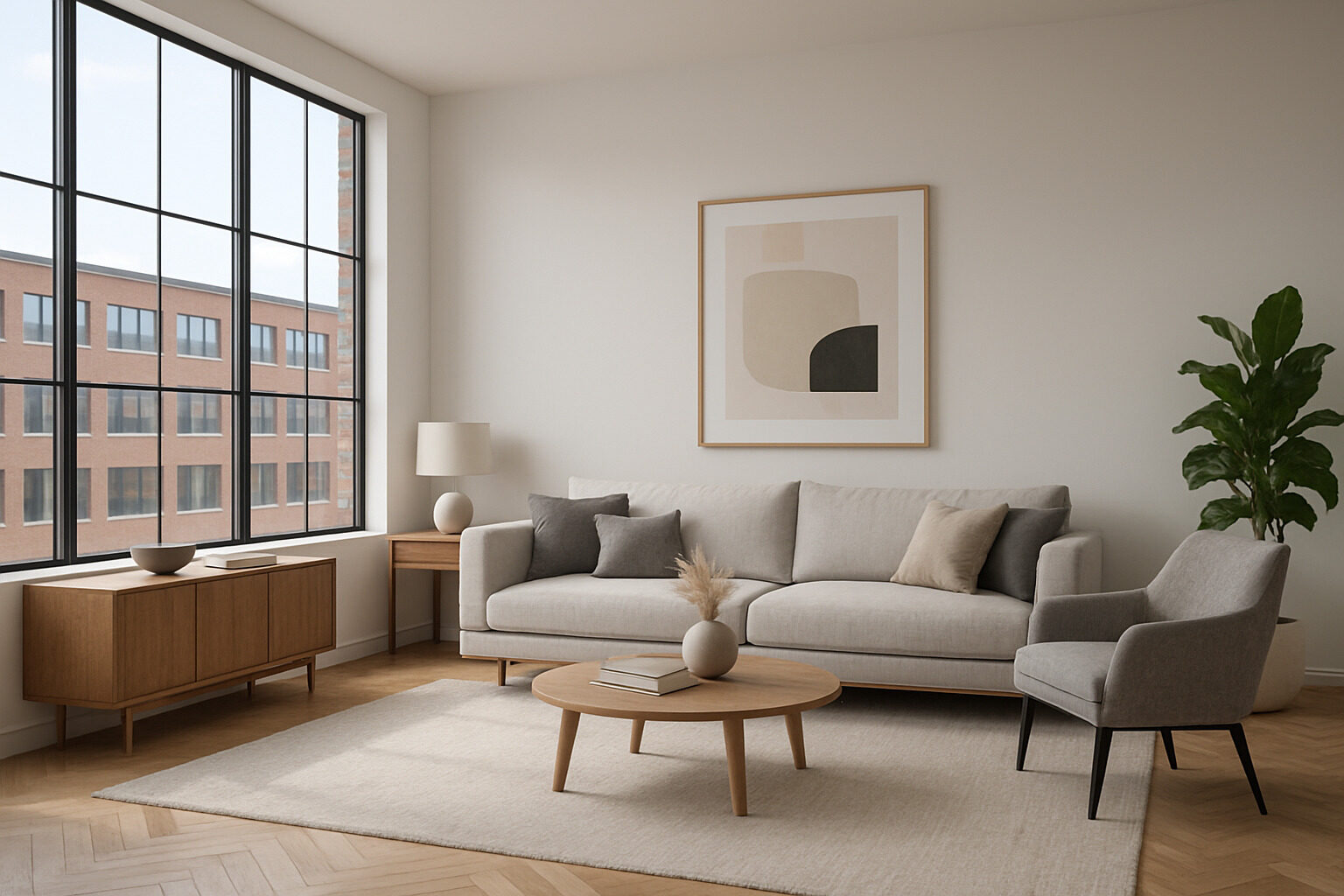
Virtual staging software digitally furnishes photos of empty rooms so property listings look lived-in and inviting without renting a truckload of furniture. Tools in this category — including products with names like Staging Studio and many similar services — vary widely in realism, speed, and pricing, so the useful question is not "which tool is best?" but "which features actually matter for my listings?"
This breakdown covers the capabilities worth comparing, how pricing in the category typically works, and how to run a fair evaluation before you commit. We describe the category in general terms rather than repeating vendor claims; verify any specific feature or price on the provider's own site, since offerings change frequently.
What Virtual Staging Software Actually Does
All tools in the category share a core loop: you upload a photo of a room, furniture and decor are added — either by you through drag-and-drop, by the vendor's design team, or by an AI model — and you receive a staged image for your listing. Beyond that core, products differentiate on who does the work (self-serve editor vs. done-for-you service vs. automated AI), how real the results look, and how fast they come back.
Restyle your own space with AI
Upload a photo of your room or home and see it reimagined in any style from this article. Your first restyle is free, no account needed.
Restyle My Space
Features That Actually Matter
Furniture Library Depth and Style Range
A staging tool is only as good as its catalog. Look for coverage across the styles your buyers expect — contemporary, transitional, farmhouse, minimalist — and across room types, including awkward ones like offices, nurseries, and outdoor spaces. A huge library organized badly is worse than a modest one with good search and curated room sets.
Realism
Realism is where tools separate. Judge it on shadows that match the room's actual light direction, correct perspective and scale, and furniture that sits convincingly on the floor rather than floating. Ask vendors for unretouched before/after examples of rooms similar to yours, not just their best marketing shots.
Turnaround Time
Self-serve and AI tools can produce results in minutes; human-powered services typically take longer, often measured in hours or business days. Match this to your workflow — an agent shooting photos the day before a listing goes live has different needs than a team staging a development's worth of units.
Revisions and Editing Control
Check how revisions work: how many are included, how you request them, and whether you can make small changes yourself. Sellers frequently ask for one swap — a different sofa, a decluttered shelf — and a tool that makes that painful gets expensive.
Output Quality and Rights
Confirm image resolution meets MLS and portal requirements, and read the terms on how staged images may be used. Also confirm you can obtain both staged and original versions of every photo.
Workflow and Team Features
For agents and brokerages doing volume, workflow features matter as much as image quality. Look for batch uploads for whole listings, a dashboard that tracks which photos are staged, in revision, or approved, and team accounts with shared billing so a brokerage is not juggling a dozen personal logins. Some services also offer complementary edits — decluttering an occupied room, brightening a dark photo, replacing a gray sky — which can reduce the number of vendors you manage, though each added service is another output to quality-check before it reaches a listing.
How Pricing Typically Works
Most vendors use one of three models, sometimes in combination:
- Per-image pricing. You pay for each staged photo. Simple and predictable for occasional use.
- Subscriptions. A monthly fee covers a set or unlimited number of images. Better value for high-volume agents and teams.
- Credit packs. Prepaid bundles that sit between the two.
Prices vary substantially across the market and change often, so compare current rates directly. When comparing, calculate cost per finished, approved image — a cheap per-image rate with paid revisions can end up costing more than a pricier all-inclusive one.
Virtual Staging vs. the Alternatives
| Approach | Speed | Cost Profile | Best For | Key Limitation |
|---|
| Traditional physical staging | Days to set up | Highest: rental, delivery, labor | Luxury listings and open houses | Cost and logistics |
| Virtual staging (human-designed) | Hours to days | Moderate per image | Vacant listings needing polished photos | Only exists in photos |
| AI staging and restyling | Minutes | Typically lowest | Fast iteration and style exploration | Results need human review |
| Leaving rooms empty | Instant | Free | Hot markets, teardowns | Empty rooms photograph small and cold |
How to Evaluate a Tool Before Committing
- Test with your own worst photo. Every tool looks good on its demo images. Upload a dim room with an awkward angle and judge that result.
- Time the full cycle. Measure upload to approved final image, including one revision.
- Check style fit. Stage the same room in two different styles and see whether both look intentional.
- Read the output terms. Usage rights, resolution, watermarks on trial images.
- Price a realistic month. Estimate your actual listing volume and compare total cost across two or three vendors.
Where Virtual Staging Struggles
Knowing the category's limits keeps expectations realistic. Highly reflective surfaces — mirrors, glossy floors, large windows at night — are hard to stage convincingly because added furniture should appear in the reflections and usually does not. Extreme wide-angle shots distort furniture proportions at the frame edges. Rooms photographed with mixed lighting can make inserted furniture look pasted-in even when the modeling is good. And no staging tool fixes a bad photograph: shoot straight, level, and bright, and every tool on the market will perform better. If a vendor's samples avoid these hard cases entirely, ask to see how they handle them before you buy.
Ethics: Disclose, Always
Virtually staged photos should be labeled as such, and many MLSs and brokerages require it. Staging should add furniture to what exists — not remove defects, alter fixtures, or misrepresent the property's condition. A buyer who feels misled at the showing is a deal that dies at the showing. Keep originals available alongside staged versions.
An AI Alternative: Restyling Real Photos
If your need is broader than furnishing empty rooms — showing a dated but furnished space with a fresh look, or helping a buyer see a home's potential in a different style — a staging-specific tool may be the wrong shape. Our AI restyle tool re-renders a real photo of a room or home in a style you choose, which makes it useful for renovation conversations, not just vacant-listing photography. Pair it with the style quiz when a client cannot articulate the look they want, or run a listing's exterior through the architecture explorer to describe its style accurately in your copy.
The right choice comes down to volume, budget, and how much control you want. Test with real photos, count the true cost per approved image, and disclose staging in every listing — the tools are only as trustworthy as the way you use them.
Restyle your own space with AI
Upload a photo of your room or home and see it reimagined in any style from this article. Your first restyle is free, no account needed.
Restyle My Space